 RWF
 KES - Kenya
 UGX - Uganda
 TZS - Tanzania
 NGN - Nigeria
 ZAR - South Africa
 USD - Zimbabwe
 GHS - Ghana
 ETB - Ethiopia
 ZMW - Zambia
 USD - International

Rwanda runs on MTN MoMo and Airtel Money as much as on bank accounts, and that makes month end tricky. Payments arrive on several numbers, staff are paid by bank or wallet, and the VAT return for RRA depends on all of it being recorded.
This checklist spreads the close over one working week. Each day has one theme, so nothing gets skipped and nobody is up until midnight on the last day.
What a month-end close gives you
A closed month is a month whose records are finished. Its sales, costs, stock and wages are all in, the cash balances agree with the statements, and the period is locked. That gives you:
- a profit figure you can show a partner, a lender or a landlord with confidence;
- VAT and PAYE figures based on complete records;
- an early warning when a customer is slipping behind on payments.
Monday: collect the statements
Begin by gathering every record of money moving.
- Export the MTN MoMo and Airtel Money statements for each merchant code the business uses.
- Export the statement for each bank account.
- Print or save the till reports from each point of sale.
- Gather supplier bills from email, WhatsApp and paper.
Keep all of it in one folder named after the month. That small habit saves hours when RRA or an auditor asks for something a year later.
Tuesday: match the money
Go line by line through the wallet and bank statements and link each receipt to a sale or invoice. Most lines will match at once. Put the rest on a list: payments without a reference, part payments and amounts that do not agree with any invoice.
NaliSuite Accounting imports bank and mobile money statements and suggests a match for each line. You confirm the suggestion or pick the right invoice yourself. The reconciliation feature explains the steps in more detail.
Wednesday: costs and suppliers
Check that each supplier bill for the month is recorded, with the date the goods or services were received. Then:
- compare each bill with the purchase order, where you use one;
- record petty cash spending, such as moto fares and small purchases, with receipts;
- check bank charges and wallet fees, which are easy to forget;
- confirm that rent, loan repayments and subscriptions were paid.
Thursday: customers, stock and people
Customers
Sort unpaid invoices by age. A short message with a payment link usually works for invoices a few days late. For older balances, a phone call followed by a statement is more effective. With NaliSuite Invoicing, each reminder carries a link the customer can pay by MTN MoMo, Airtel Money or card; the mobile money payments page shows how the payment is matched for you.
Stock
Count the items that move fastest and those that cost most. Compare the count with the system and record each difference with a reason. If one item is short every month, look at how it is received and sold.
Payroll
Confirm that the month’s payslips are approved and that PAYE and social security contributions are recorded as amounts owed. NaliSuite’s statutory payroll for Rwanda works these out, and the free PAYE calculator lets you check an individual salary.
Friday: VAT, reports and the lock
VAT
The standard VAT rate in Rwanda is 18%. If you are registered, compare output VAT on sales with input VAT on purchases and look for invoices with the wrong rate. Confirm filing dates and electronic invoicing requirements with RRA directly, because these change from time to time. The free VAT calculator is useful for checking a single invoice.
Reports
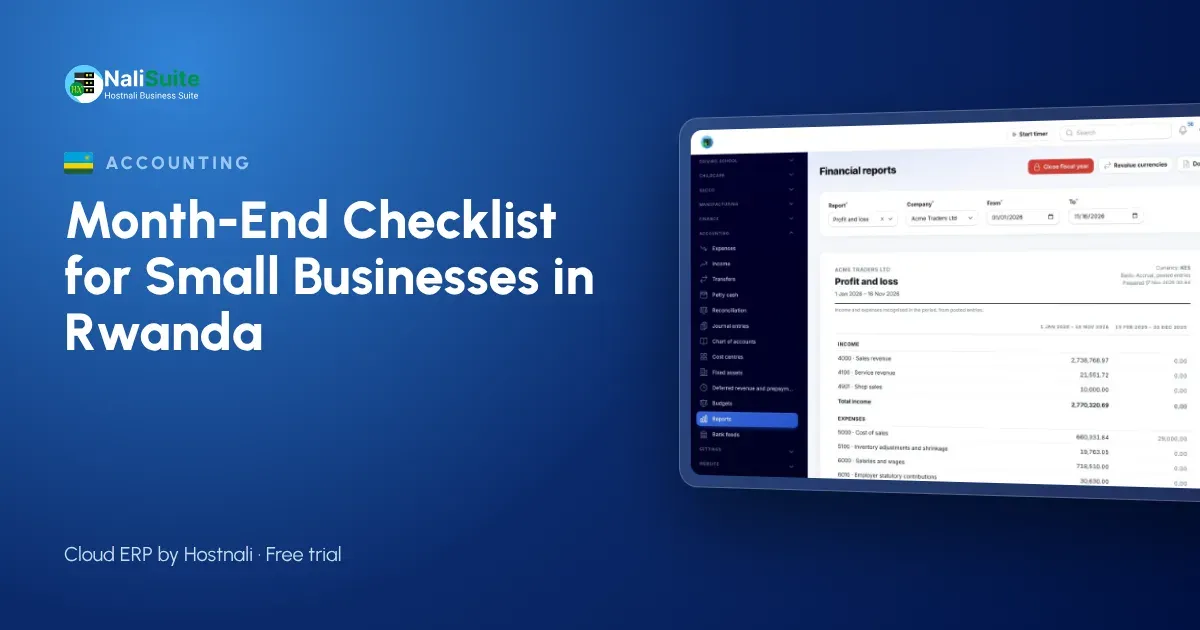
- Profit and loss for the month, next to the previous month.
- Balance sheet, checking that bank and wallet balances equal the statements.
- Aged debtors, to see who owes what and for how long.
Lock
Lock the month once the reports are right. Late items then go into the current month, or your accountant reopens the period deliberately.
Example: a café in Kigali
Imagine a café in Kigali with one bank account, two MoMo merchant codes and six staff. Before using a routine, the owner closed the month whenever there was time, often three weeks late. Under the weekly plan, the statements came in on Monday, matching was done by Tuesday lunchtime and the reports were ready on Friday. The first close found two weeks of wallet fees that had never been recorded, a small cost that added up.
Mistakes to avoid
- Using one MoMo number for home and business. It makes matching almost impossible.
- Recording supplier bills on the payment date. Use the date you received the goods.
- Skipping the stock count. A shortage found three months late is three times harder to explain.
- Never locking the period. Without a lock, last month’s profit can change without anyone noticing.
Frequently asked questions
When should I start the month-end close?
On the first working day of the new month. Some businesses begin on the last day of the month by collecting statements early.
Can a small business close the month without software?
Yes, with a spreadsheet and discipline. Software saves time by matching wallet and bank lines and producing the reports automatically.
What should I do with payments I cannot identify?
Record them in a holding account, ask the bank or wallet provider for sender details and contact likely customers. Clear the list before the next close.
Who should do the close?
The owner or a bookkeeper for the routine steps, with an accountant reviewing the reports, especially before the VAT return.
Try NaliSuite
NaliSuite records sales, MoMo receipts, bills and payroll in one place, so your month-end week becomes a short review. Start a free trial on the Starter plan from RWF 3,500 a month, compare the plans or find out more about NaliSuite.